The User Management page enables you to manage and invite users to ConvivaVSI.
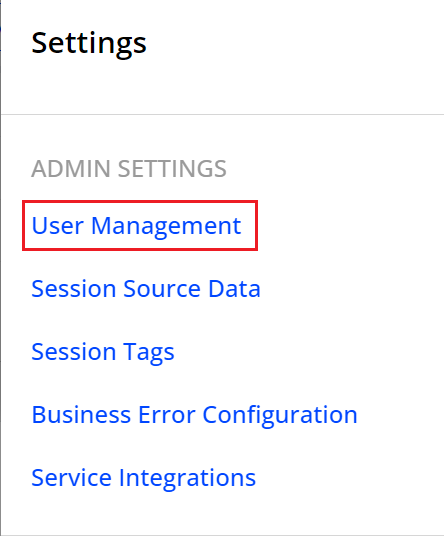
To access this page, in the Settings icon select User Management.
The Notification Channels page appears with tabs the notification settings.
Users
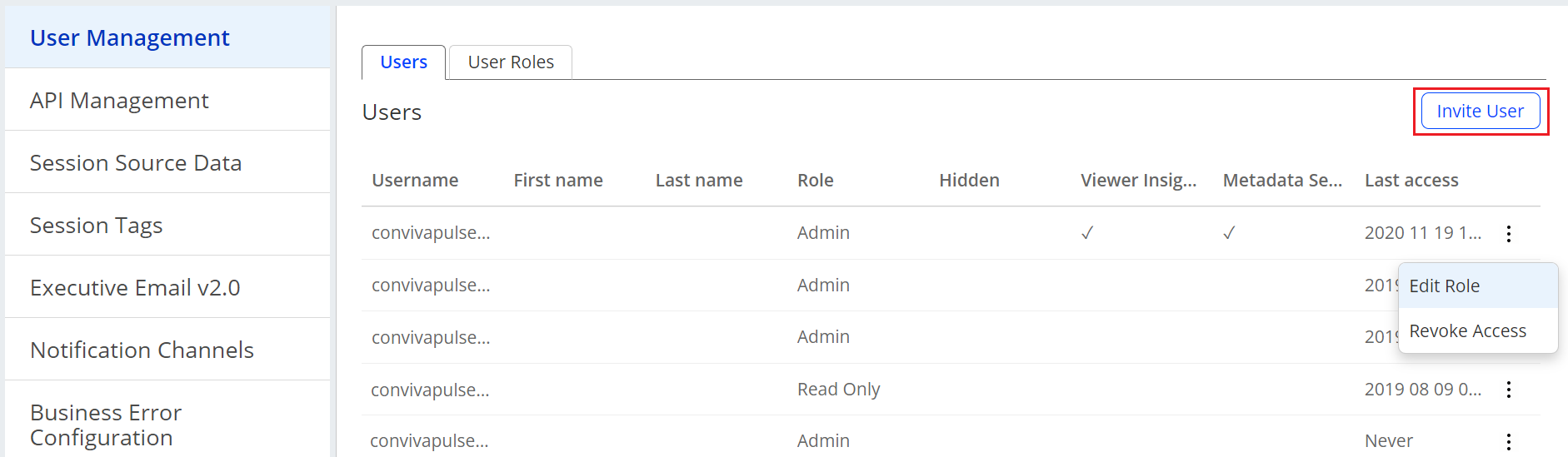
The Users tab lists the currently configured users. Click the kebab icon to edit the user's role and revoke user access.
To invite new users, click the Invite Users button and enter the new users information and access settings.

Click Invite User to enable user access.
User Roles
The User Roles allow you to create new user roles for specific permissions and access as well as edit and delete the current roles.
For a detailed list of the user role settings, see Pulse Access Levels and User Roles.
Click the kebab icon to edit and delete an existing user role.

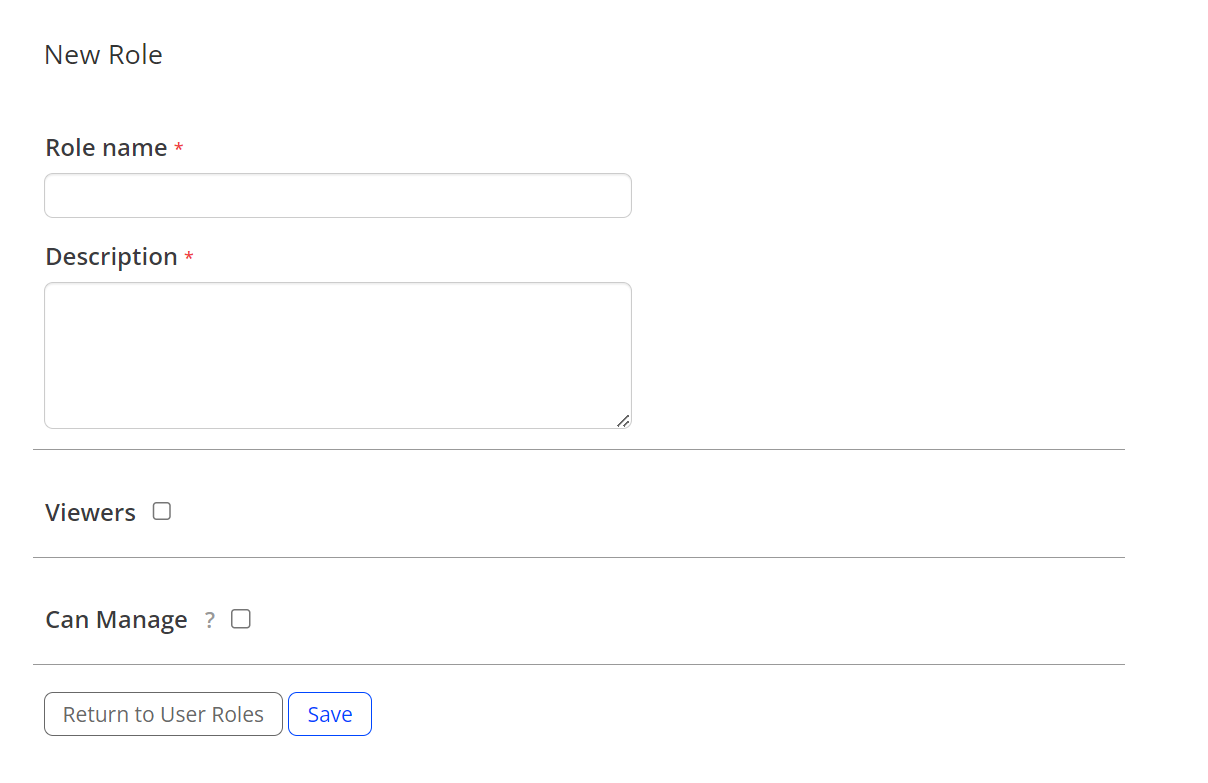
To create a new user role, click New User Role. The User Role page appears with the options for the role name and settings.